
KWallet: why the Mac needed one more wallet
A free, native, self-custodial wallet for macOS that keeps Bitcoin, Ethereum, USDC on Arbitrum and Monero in one window, with the controls of Electrum and none of the shop.
01
Why another wallet
We did not want to write a wallet. We wanted to use one. We hold four things: Bitcoin, some Ethereum, USDC on Arbitrum because that is how invoices get paid today, and Monero. On a Mac, in 2026, there is still no decent single place to keep them.
Electrum is the reference, and it only speaks Bitcoin. It is the wallet we respect most. It shows you the truth: every address, every coin, every fee, the confirmations one by one. You choose what to spend, you raise a fee that is stuck, you run it against your own server. It is also a Python program with an interface from another decade, and the moment you need to pay someone in USDC or receive Monero it has nothing to say. So you open a second wallet, and then a third.
The wallets that do hold all four are the problem. Almost all of them are web pages wrapped in a window, heavy and slow on a machine that deserves better. They open on a portfolio chart, as if you had asked for one. They put a swap button and a buy button on every screen, because that is where their money comes from, and the fee you pay on those is rarely the one you were shown. They hide the addresses, they pick the fee for you, they cannot tell you which coins make up your balance and they cannot unstick a transaction. Several want an e-mail before they let you in. Most do not do Monero at all, and the ones that do treat it as an afterthought. A wallet that behaves like a shop is not looking after your money, it is looking at it.
So the choice was between one honest tool that covers a quarter of what we hold, and several dishonest ones that cover all of it badly. We wrote the one we wanted instead.
02
Electrum as the model, four coins
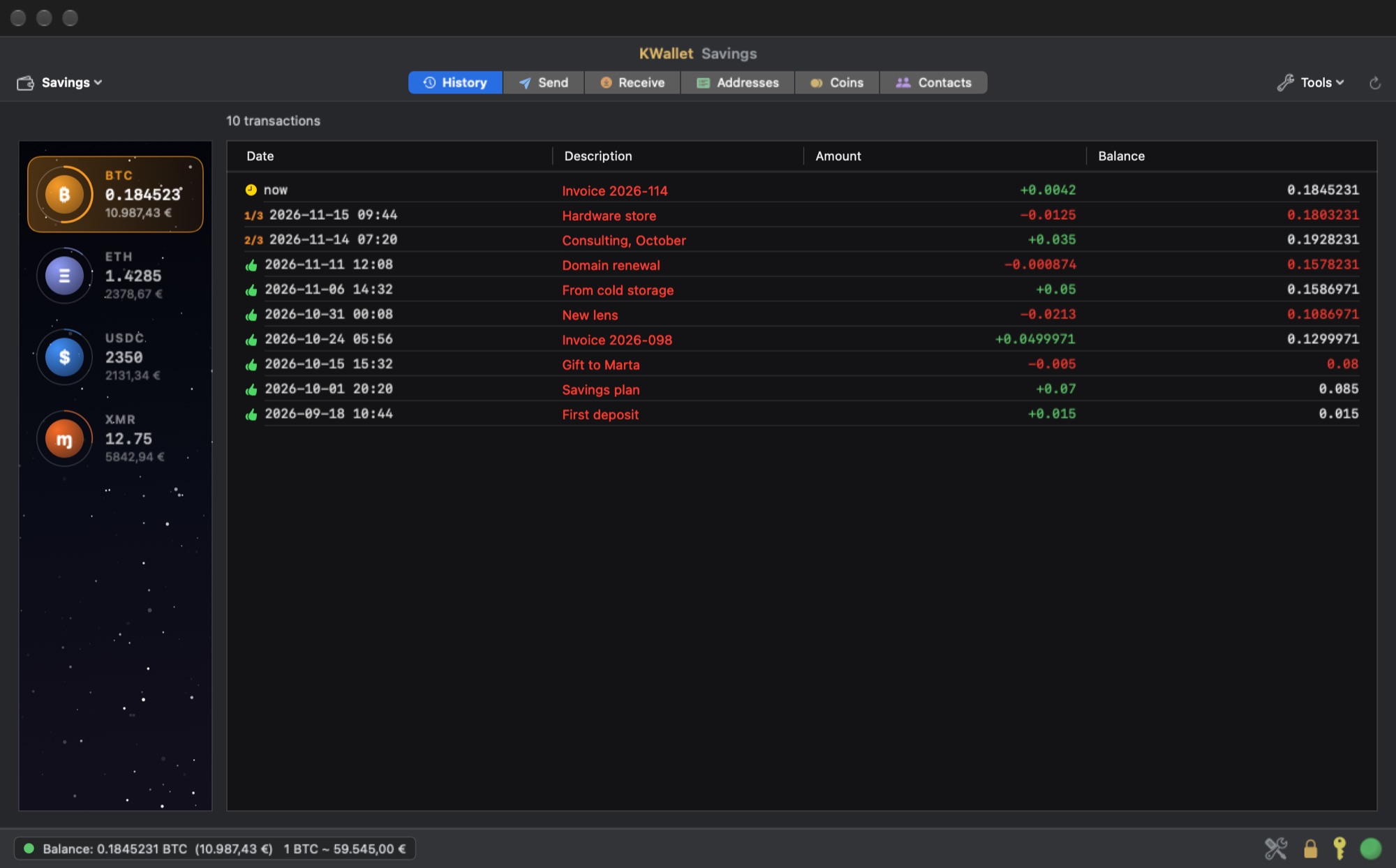
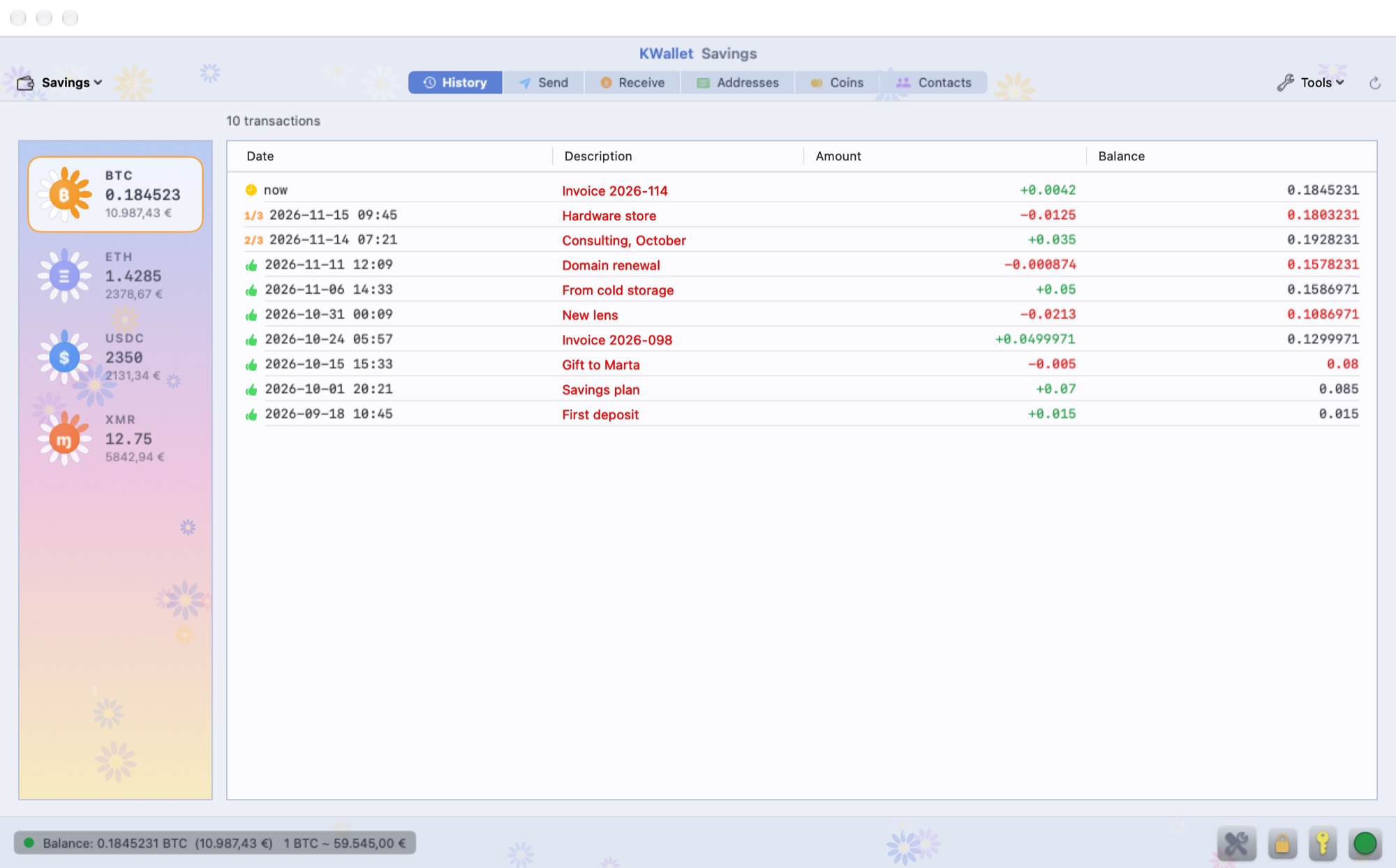
KWallet starts from one rule: Electrum is the model. Same idea of a wallet as an instrument, same table of date, description, amount and balance, same respect for whoever is looking at it. Then four coins instead of one, and an app written for the Mac in Swift instead of a window borrowed from a browser.
The keys are created on your Mac and never leave it. The seed phrase, twelve or twenty-four words, is stored in the macOS Keychain encrypted with the password of that wallet, and the same key encrypts the labels, the contacts and the history on disk. There is no account, no server of ours in the middle, no telemetry. The servers the app talks to only provide the blockchain and receive transactions that are already signed.
You can keep several wallets side by side, each with its own name, its own seed and its own password, exactly as in Electrum: one for savings, one for daily use, one for the business. Nothing opens by itself at launch. You choose the wallet and type its password.
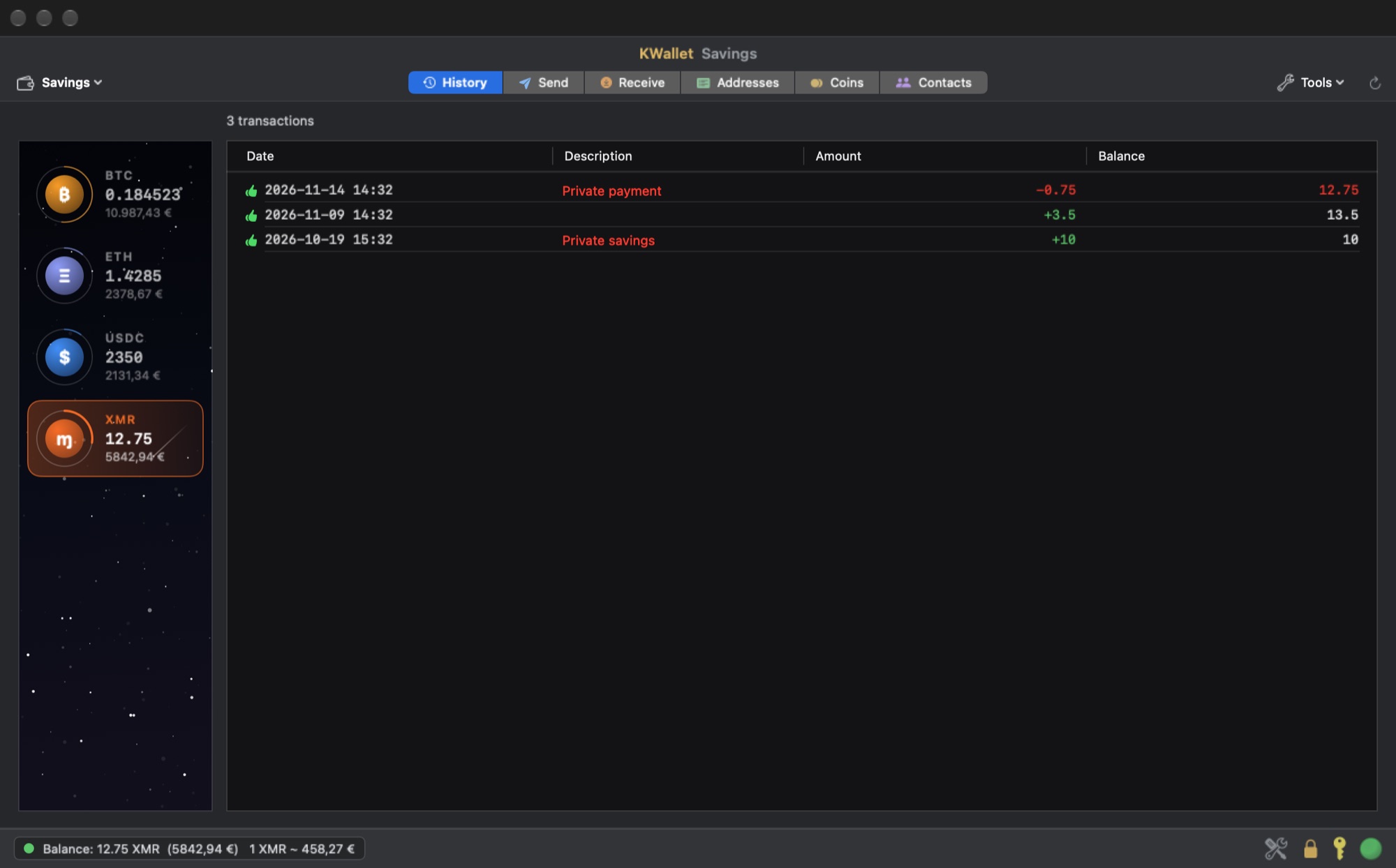
Every coin is done properly, not listed. Bitcoin uses native SegWit addresses and gives you the whole toolbox. Ethereum and USDC on Arbitrum One show the real fee before you send and stop if the network asks an absurd one. Monero runs on the official wallet engine of the Monero project, shipped inside the app, with subaddresses and its own separate backup of twenty-five words that the app makes you write down before it shows you an address.
03
What it does, and what it does not
Sending, with nothing hidden
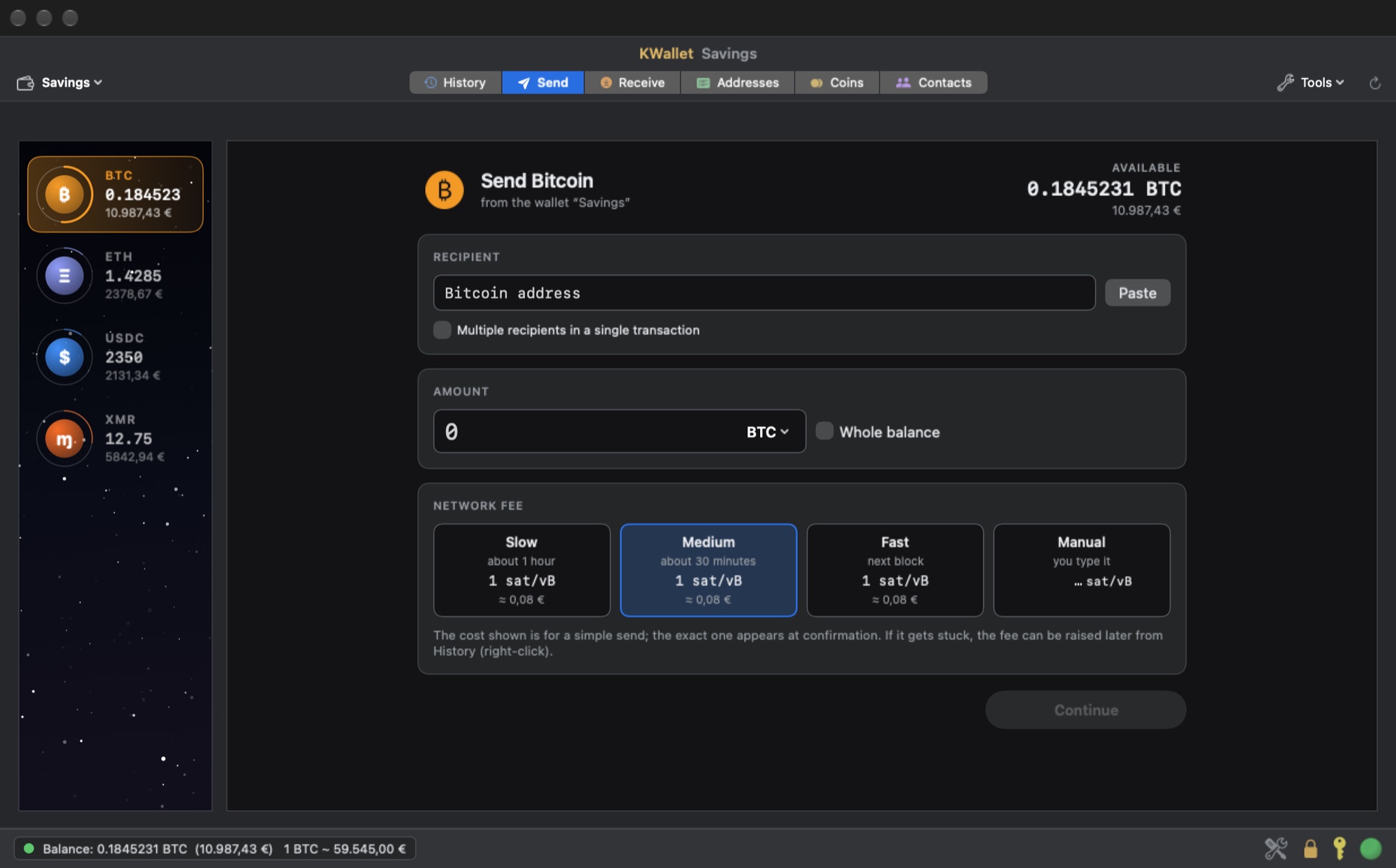
You write the address and the app checks it while you type. You write the amount in the coin or in euros, dollars or pounds, and it converts at the rate of that moment. For Bitcoin you pick slow, medium, fast or a fee typed by hand in sat/vB, and you can pay several people in one transaction. Before anything leaves, one confirmation sheet shows the recipient, the fee and the total, the same for every coin.
If a Bitcoin transaction sits unconfirmed you can raise its fee from the history, cancel it by sending the funds back to yourself, or push it with a second transaction. When the network answers late the app does not say "failed" and invite you to pay twice: it says the outcome is uncertain and goes to check.
Your coins, one by one
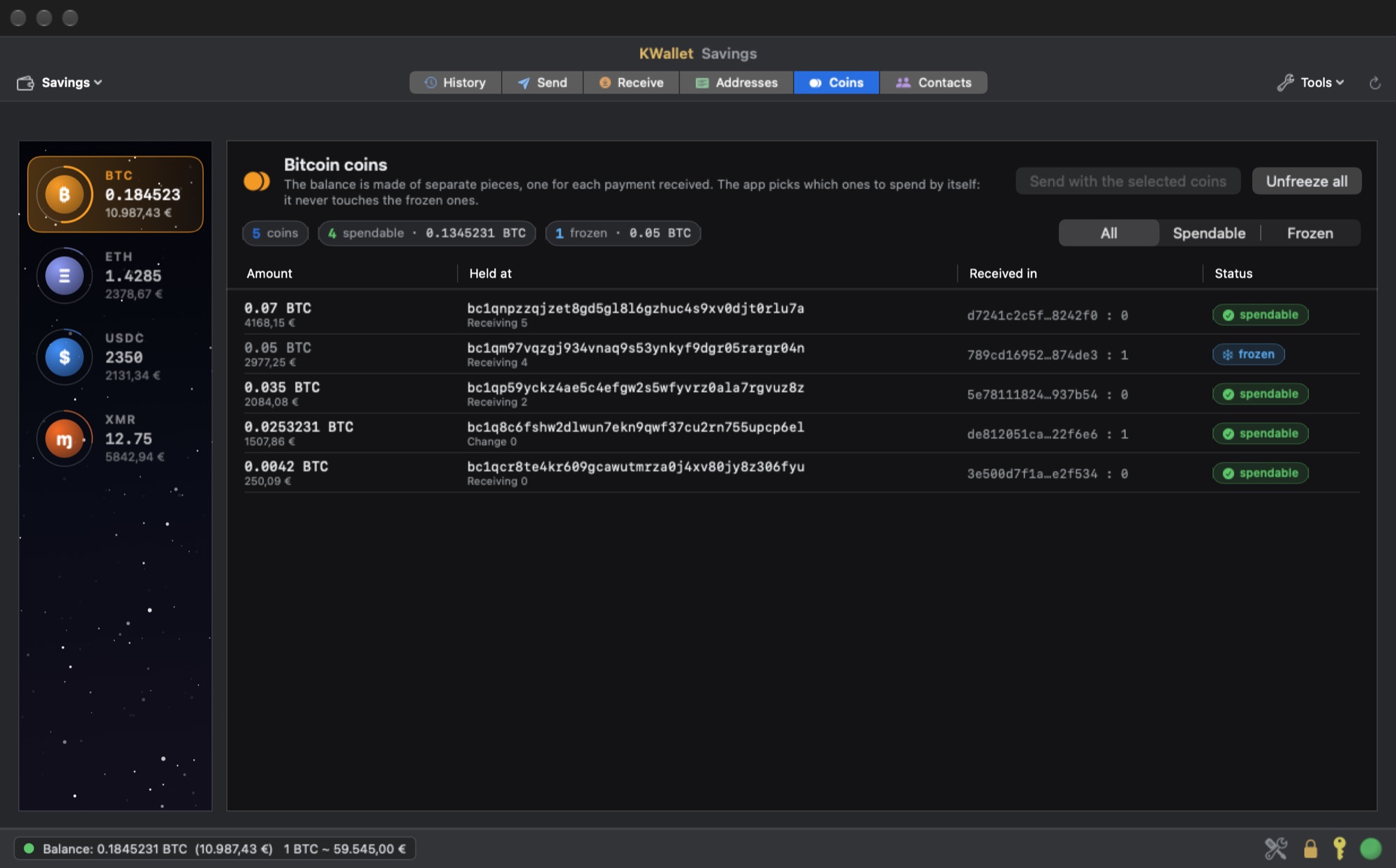
A Bitcoin balance is made of separate pieces, one for each payment received. KWallet shows them all, tells you where each one came from, lets you freeze the ones you do not want touched and lets you choose by hand which ones to spend. It is the feature that the pretty wallets remove first, and the one that matters most for your privacy.
Receiving and requests
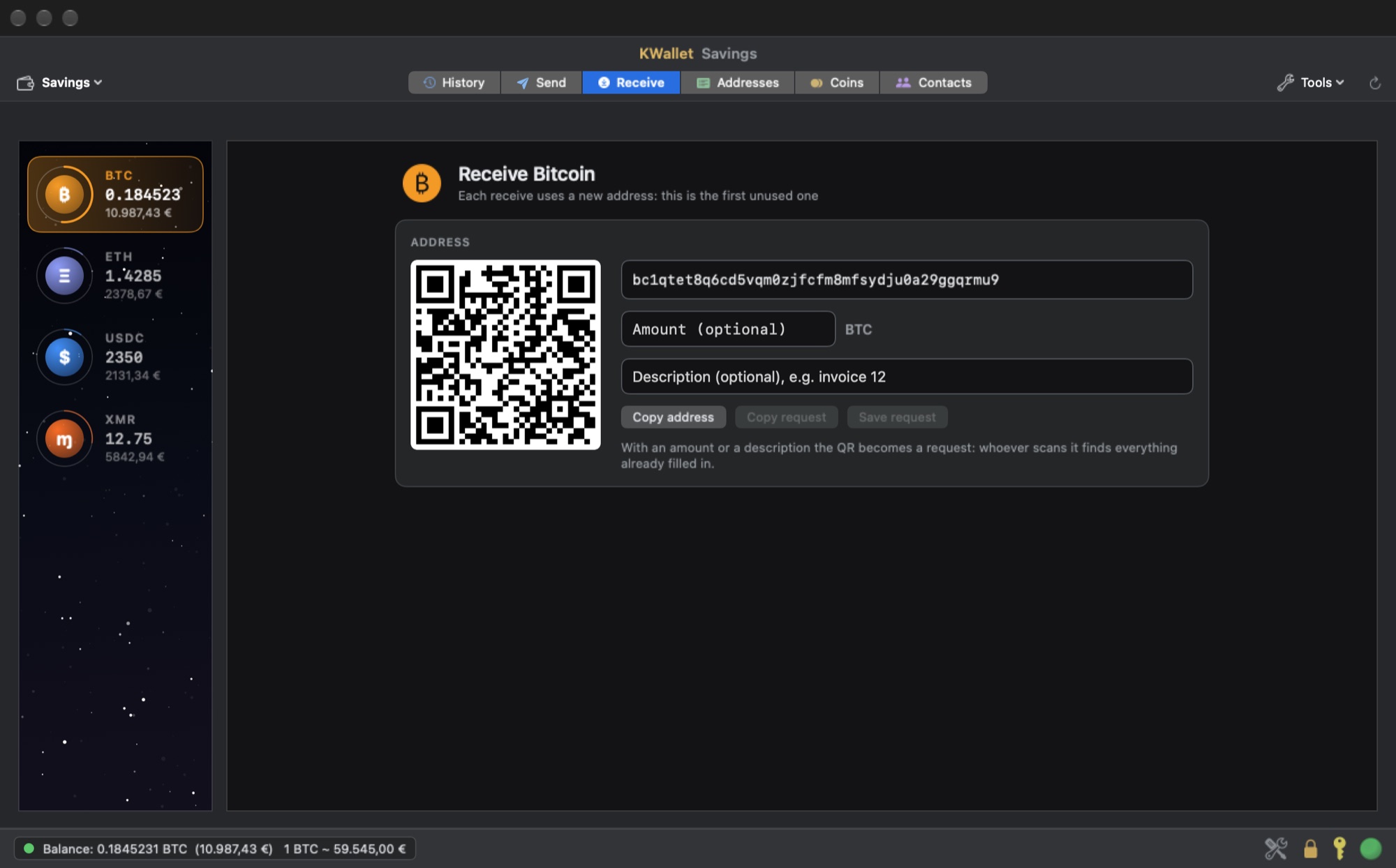
Every receive uses a fresh address. Add an amount or a description and the QR code becomes a payment request that the payer's wallet reads already filled in. Requests are saved, there is an address book, and you can sign and verify messages with a Bitcoin address. A wallet can also be opened in watch-only mode from a zpub, to follow a balance on a Mac that holds no keys.
Tor and your own servers
One switch sends the whole app through Tor, exchange rates and updates included. If Tor goes down nothing falls back to the normal network: the app stays disconnected and tells you. If you run your own Bitcoin server, Ethereum node or Monero node, you can point KWallet at them and it will use only those.
What it does not do
There are no swaps and there is no way to buy coins with a card. That is a choice: both would put a third party and its commissions inside the wallet. There is no Lightning and no hardware wallet support in this version. Monero has its own twenty-five words, separate from the seed of the other coins, and you need both backups.
Two skins, four languages
Titanio is the dark one, with a starry sky behind the coins. PowerFlower is the light one, with daisies, for those who miss the iMac of 1999. The interface is in English, Italian, German and Spanish.
Free, signed, updated
KWallet is free. It is signed with our Developer ID and notarized by Apple. Updates arrive through a signed channel: the app checks the signature of the release, the fingerprint of the file and the signature of the disk image before it offers you anything to install. If you find it useful, a donation is what keeps it free.
Download KWallet for macOS
macOS 14 Sonoma or later. Apple silicon. English, Italian, German, Spanish.
Download for macOSMore from the codex
Discussion 0 comments
No comments yet. Start the conversation.